✕
Pin FreePackageTrackerOnline to your browser. To do this, click the puzzle icon on the top right corner of your browser window and select the pin icon next to FreePackageTrackerOnline.
Got it!
Activate Extension Window
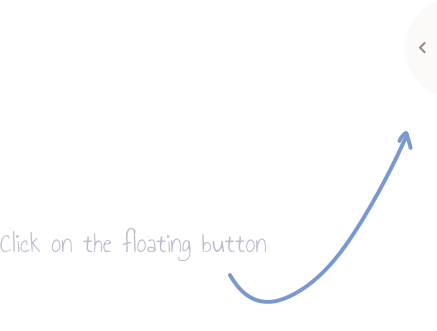
Click on the floating action button on any site you
visit and open your extension.
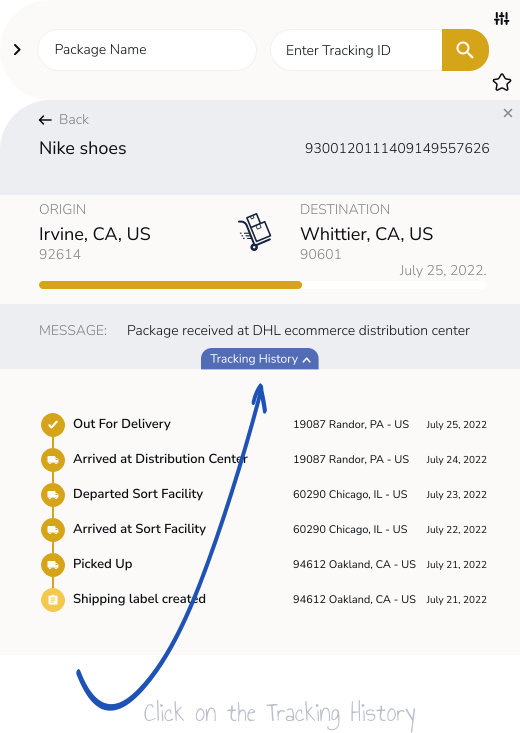
View Tracking History
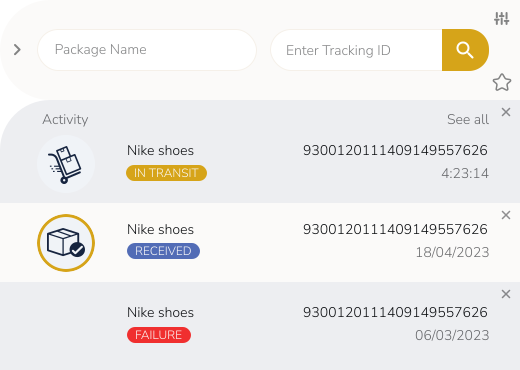
Get an overview of all the packages entered and
their current status.
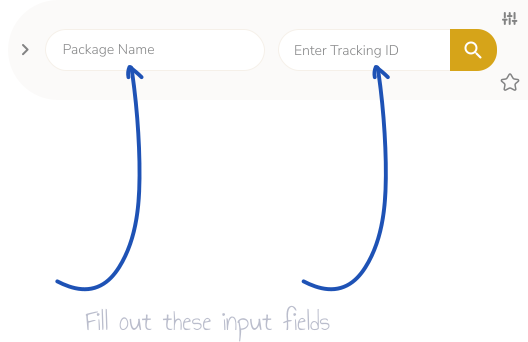
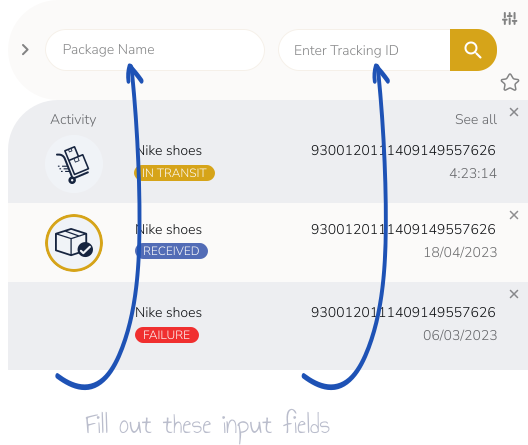
How to Add a New Tracking Details
If you want to add new tracking details, just click
on the plus icon.
How to Disable Action Button?
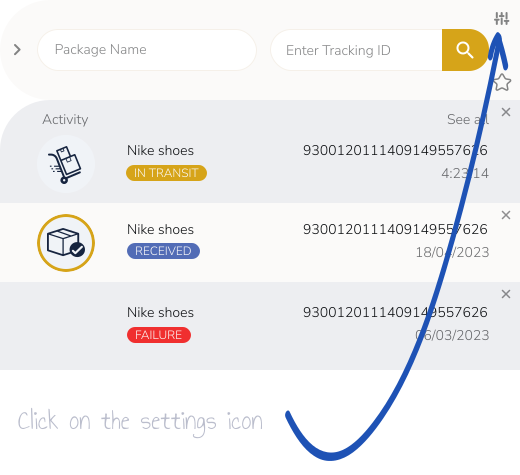
To hide the extension button from the page,
click the settings icon to get more options.